Oscilloscope
Build, use, and understand your own oscilloscope
OSCAR and OSCARET grew out of the same idea: building a computer-controlled oscilloscope using simple hardware and open-source software.
The goal is not merely to display a signal, but to experiment with data acquisition, analog-to-digital conversion, triggering, digital processing, spectral analysis, and effective resolution.
Arduino UNO Tcl/Tk Signal acquisition DHT CA3306 DSO183
The project is part of the work developed for the book Arduino, Tcl/Tk Oscilloscope, although both the source code and the executable programs are available free of charge.
Different Skins
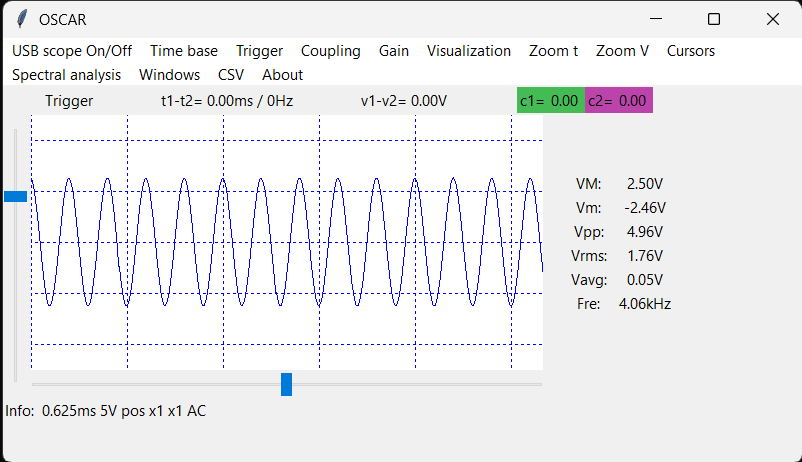
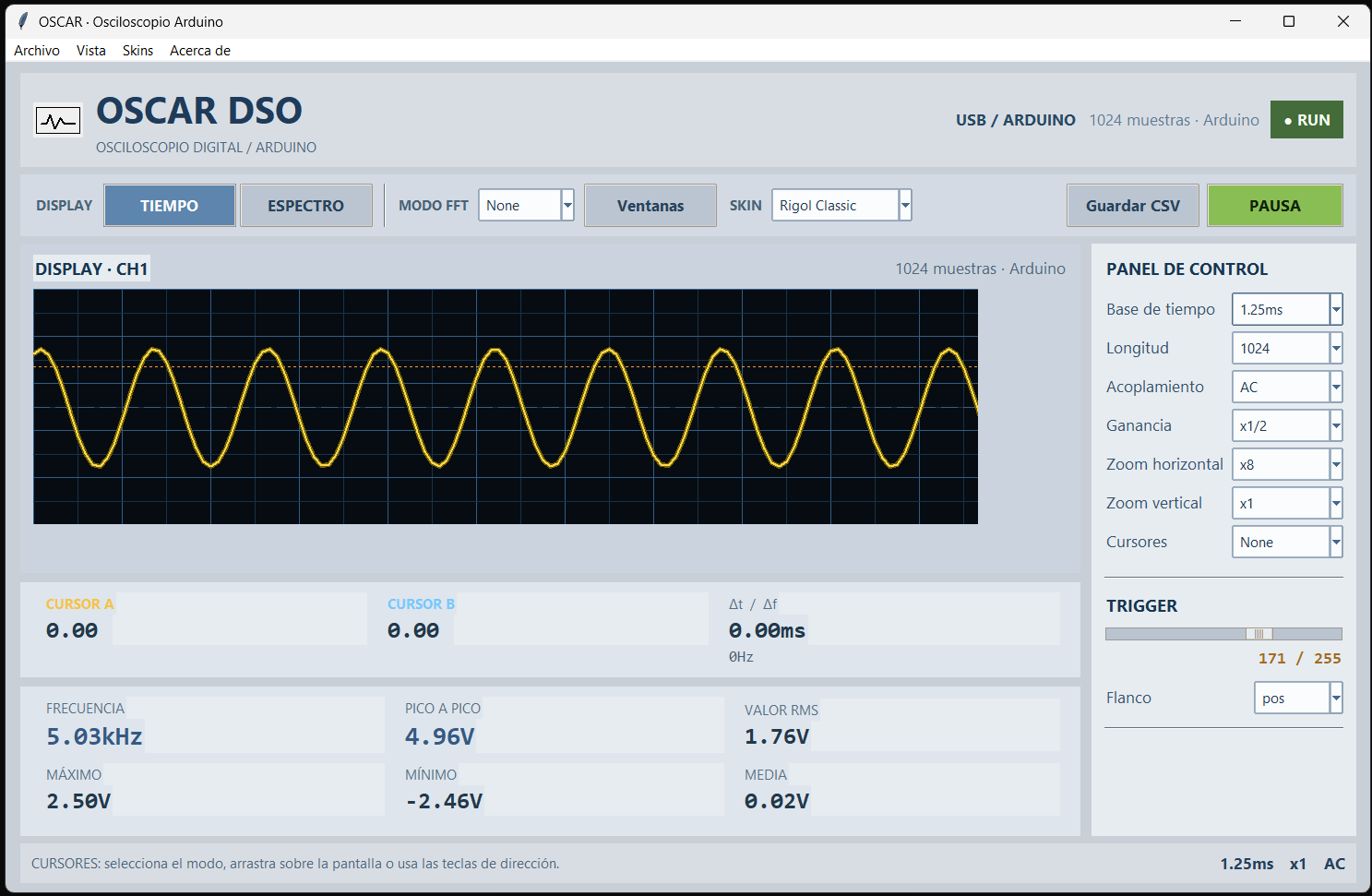
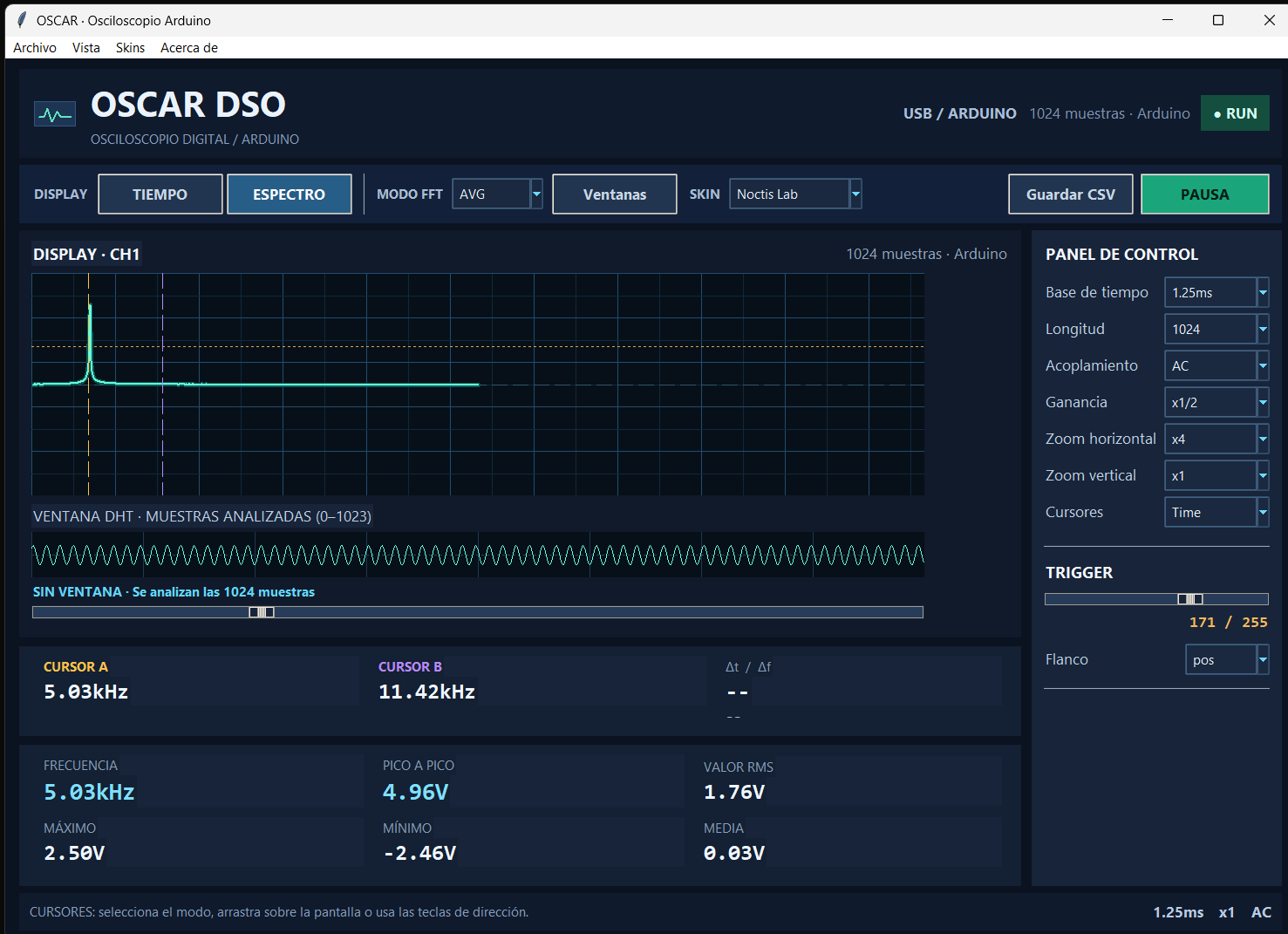
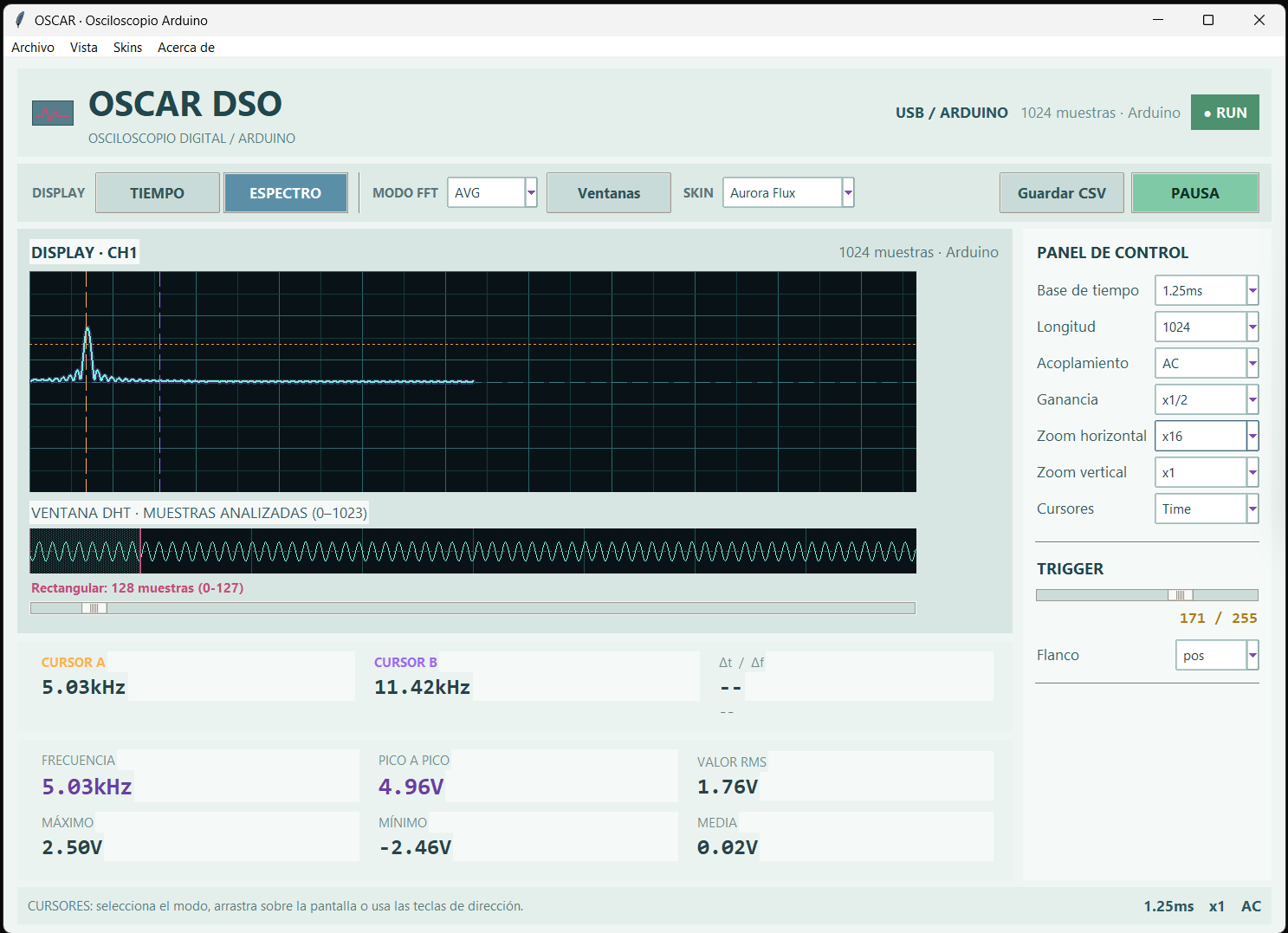
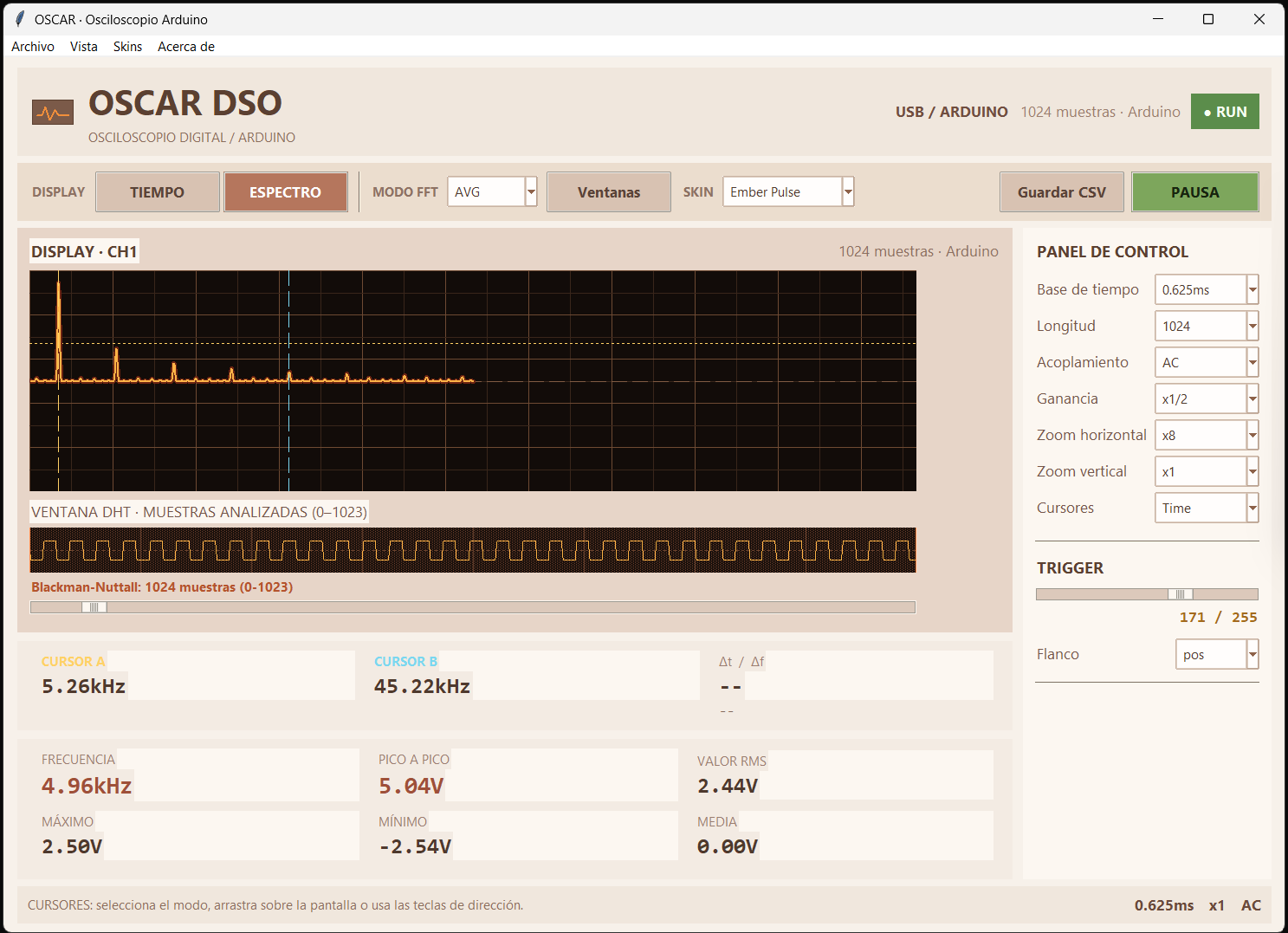
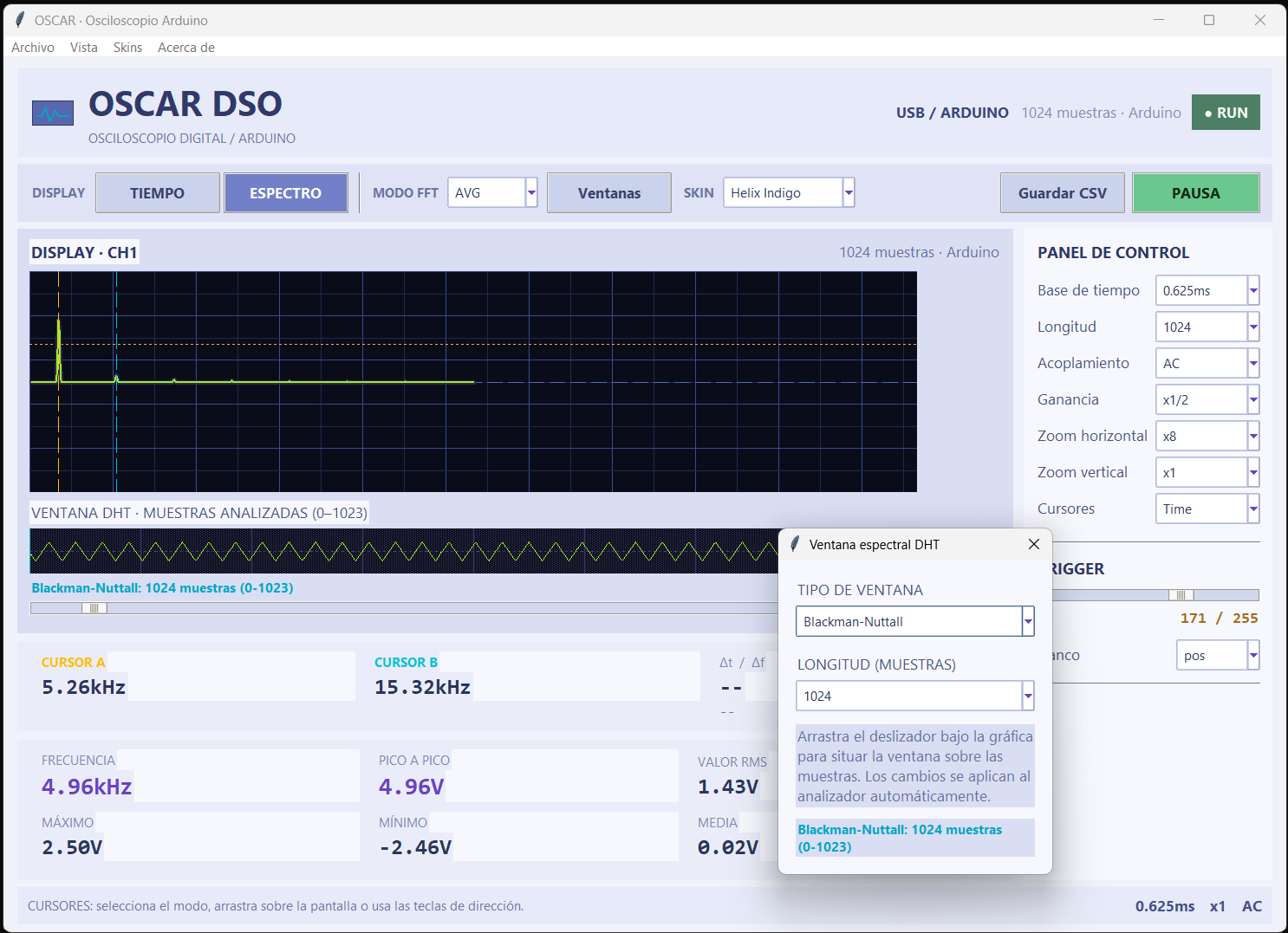
OSCAR: one Arduino UNO and two wires
The simplest way to get started is probably also the most surprising.
You need:
- an Arduino UNO
- a USB cable to connect it to the computer
- two wires to connect the signal you want to measure
Nothing else.
The ATmega328P’s built-in ADC is used to digitize the signal, while the computer handles displaying and analyzing it.
In this way, an Arduino UNO can be turned into a small digital oscilloscope controlled from a PC.
The core idea
The Arduino acquires the samples, while the computer provides the display, graphical interface, and much of the processing.
This keeps the hardware extremely simple and moves many of the instrument’s functions into software.
What can you do with it?
Among other things, you can:
- display signals in real time
- measure voltages
- measure frequency and period
- use different trigger modes
- analyze the acquired samples
- study the signal spectrum
- export captures for later analysis
And, above all, you can experiment.
OSCAR is not intended to replace a professional oscilloscope. Its purpose is to show how much can be achieved with extremely simple hardware and to help you understand what actually happens inside a digital measuring instrument.
An important limitation
If you use the Arduino UNO directly, the signals should remain approximately within the following range:
$$ 0\text{ V} \leq V_{in} \leq 5\text{ V} $$The Arduino is not designed to accept negative voltages directly, nor voltages higher than its supply voltage.
This means you need to be careful about the signals you connect to it.
On the other hand, for digital signals, sensors, small electronic circuits, PWM, properly conditioned low-level audio, and many laboratory experiments, it can become a surprisingly useful tool.
If you do not have a development environment installed, I have also created an executable so you can use it directly.
Original Arduino UNO and clones
The program is designed to be used with an original Arduino UNO.
You can also use a clone, but you will need to specify its serial port in the serial_port.txt file. For example: COM8.
I recommend using an original Arduino UNO because clones tend to be less reliable in serial communication and may occasionally stop sending data to the program. I have never experienced that problem with an original board.
It is not a black box
One of the project’s main features is that you can study how it works.
OSCAR is more than just a program that draws a waveform on the screen.
The project lets you experiment with topics such as:
Sampling rate ADC Quantization Trigger Buffers Serial communication Windows Noise SINAD ENOB
It also lets you explore digital signal processing and spectral transforms.
It is therefore both an instrument and a learning platform.
You can modify the code, run tests, make mistakes, and see what happens.
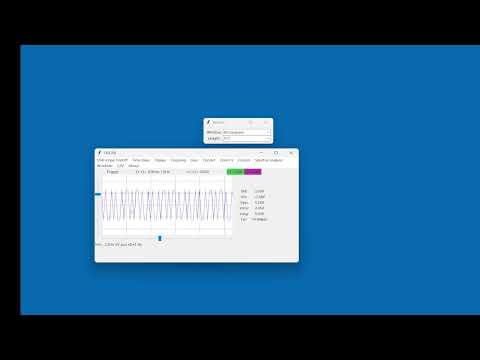
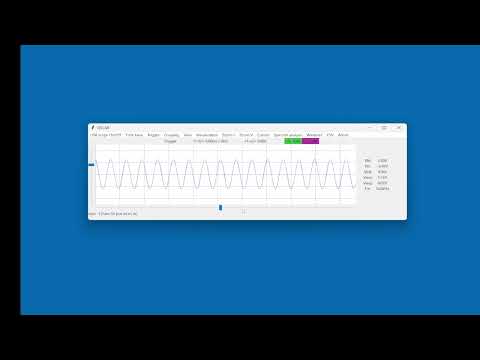
OSCAR in action
What if you want something closer to a real oscilloscope?
That is where OSCARET comes in.
The philosophy remains the same: use the computer to provide acquisition, display, and processing capabilities that we would normally associate with much more complex instruments.
The next step, however, is to add a real oscilloscope front end.
OSCARET
OSCARET keeps OSCAR’s philosophy but expands the hardware to behave much more like a benchtop oscilloscope.
Using a DSO183
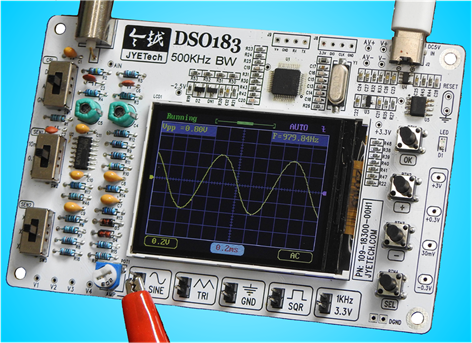
The DSO183 is a small and very inexpensive stand-alone oscilloscope.
On its own, it can already display signals, but its hardware can also be used as the starting point for something more interesting.
When connected to the system developed in this project, it can become a kind of computer-controlled benchtop oscilloscope.
The advantage is that you can combine its input electronics with software capabilities that the original DSO183 does not provide.
For example:
- a larger graphical interface
- waveform display on the computer
- capture storage
- post-processing of acquired samples
- spectral analysis
- automatic measurement calculations
- data export
- generation of CSV files
- use of captured data with other analysis tools
A capture is no longer just a curve that appears for a few seconds on a small screen.
It can become a dataset that you can save, analyze, compare, or process later.
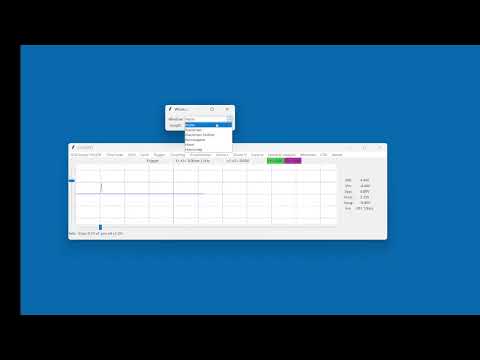
OSCARET sampling at 5 Msps
Spectral analysis
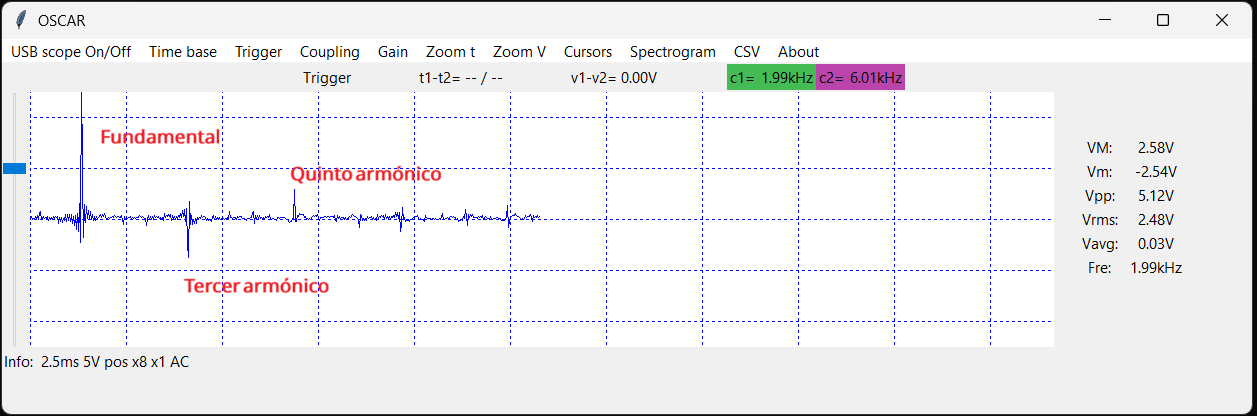
One feature I find especially interesting is the ability to observe a signal in both the time domain and the frequency domain.
An oscilloscope lets you study how a voltage changes over time.
Spectral analysis answers a different question:
What frequencies does this signal contain?
This lets you experiment with:
- sine waves
- square waves
- harmonics
- noise
- PWM
- distortion
- filters
- aliasing
To perform this analysis, the project uses a Discrete Hartley Transform (DHT).
This is not just about adding an attractive graph to the application. Implementing these features helps you understand many of the concepts behind a digital spectrum analyzer.
Your data is yours: export to CSV
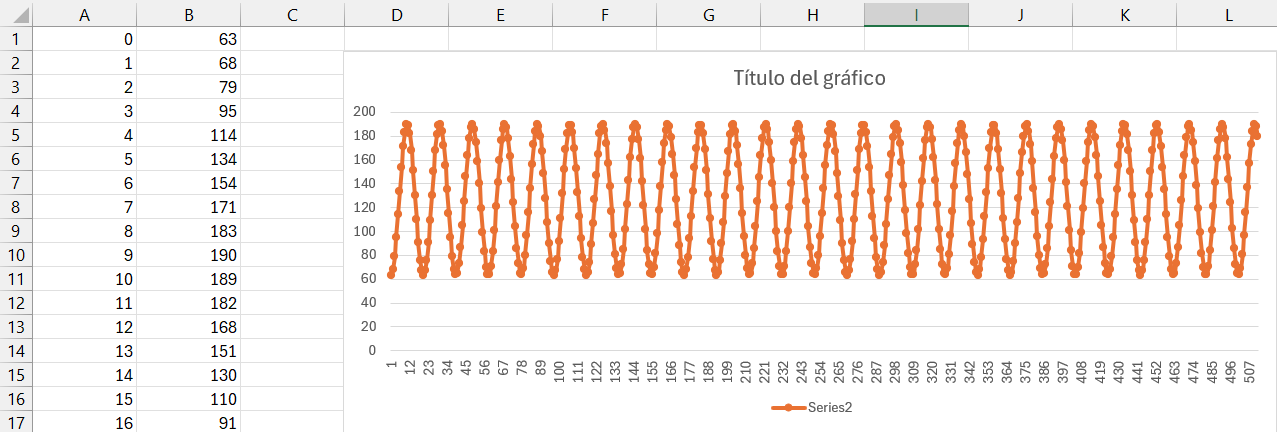
The acquired samples can be saved as CSV files.
This lets you analyze them later using almost any tool:
LibreOffice Calc Excel Python GNU Octave MATLAB R
And, of course, with your own programs as well.
This is especially useful for teaching and experimentation: you can take a capture, save the samples, and later study exactly the same data without having to repeat the experiment.
Free and open-source software
All the code developed for OSCAR and OSCARET is available free of charge.
The idea is that you can:
- use it
- study it
- modify it
- experiment with it
- build your own version
An executable is also provided, so you do not need to know Tcl/Tk or set up a development environment just to try the oscilloscope.
Anyone who wants to go deeper can always download the source code and see how it is built.
The book
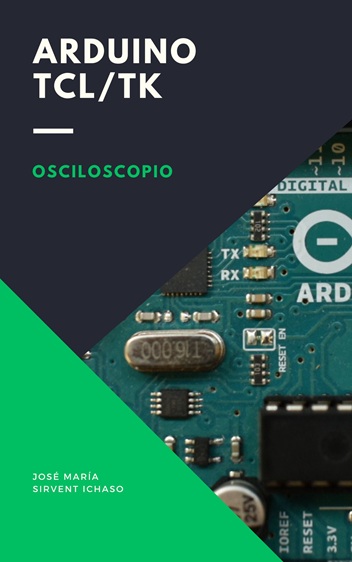
This entire project has also served as the backbone for writing Arduino, Tcl/Tk Oscilloscope.
If you find the project useful and would like to support its development, one way to do so is by buying the book.
And if you would also like to understand how everything was built, reproduce the experiments, and follow the path from the first samples acquired with an Arduino to a complete acquisition and analysis system, then you will probably enjoy the book as well.
The book is not intended to be simply an OSCAR installation manual.
It gradually explains many of the decisions, experiments, mistakes, and solutions that arise when trying to build a digital oscilloscope from scratch.
Along the way, it explores topics such as:
- signal acquisition
- Arduino programming
- how the ADC works
- increasing the sampling rate
- communication between the microcontroller and the computer
- creating a graphical interface with Tcl/Tk
- waveform display
- triggering
- digital processing
- spectral analysis
- windows
- noise and effective resolution
- SINAD and ENOB
- real hardware limitations
I also try to explain why it works, where its limits are, and what happens when we push simple hardware beyond what it was originally designed to do.
One Arduino, two wires, and one question
One of the things I like most about this project is that it can begin in an extremely simple way:
The starting point
Arduino UNO + computer + two wires.
From there, questions start to appear:
- How can I sample faster?
- Why does the signal change as I increase the frequency?
- What does ADC resolution really mean?
- Why do frequencies appear that are not present in the original signal?
- How much information am I losing?
- Can I calculate the spectrum?
- Can I improve the hardware?
- Can I turn it into a real instrument?
OSCAR and OSCARET are, to a large extent, the result of trying to answer those questions.
And there are still many more to answer.
More information
About the name
I liked the name because:
- OSCAR comes from the Spanish OSCiloscopio ARduino (“Arduino Oscilloscope”)
- OSCARET comes from OSCiloscopio ARduino ExTendido (“Extended Arduino Oscilloscope”)
and also because I have two friends named Óscar :-P
Contact
If you have any suggestions or questions, you can reach me at:
tdso112a at hykrion com