TEA5767 FM Radio GUI
Computer-controlled FM radio
This project lets you use a TEA5767 connected to an Arduino through a graphical interface developed in Tcl/Tk, without having to install a development environment just to run the application.
The GUI can also be customized with different skins and, thanks to Starkit, both the images and the source code remain accessible so you can modify them yourself.
Arduino TEA5767 Tcl/Tk Starkit
This project is part of a series of books in which I use Arduino and Tcl/Tk to create graphical interfaces capable of controlling real hardware.
Hardware
If you already have a TEA5767 controlled by an Arduino, you probably will not need to change your existing setup. Simply connect the Arduino to the computer via USB so the application can communicate with it.
If you are starting from scratch, you can use the following circuit as a reference:
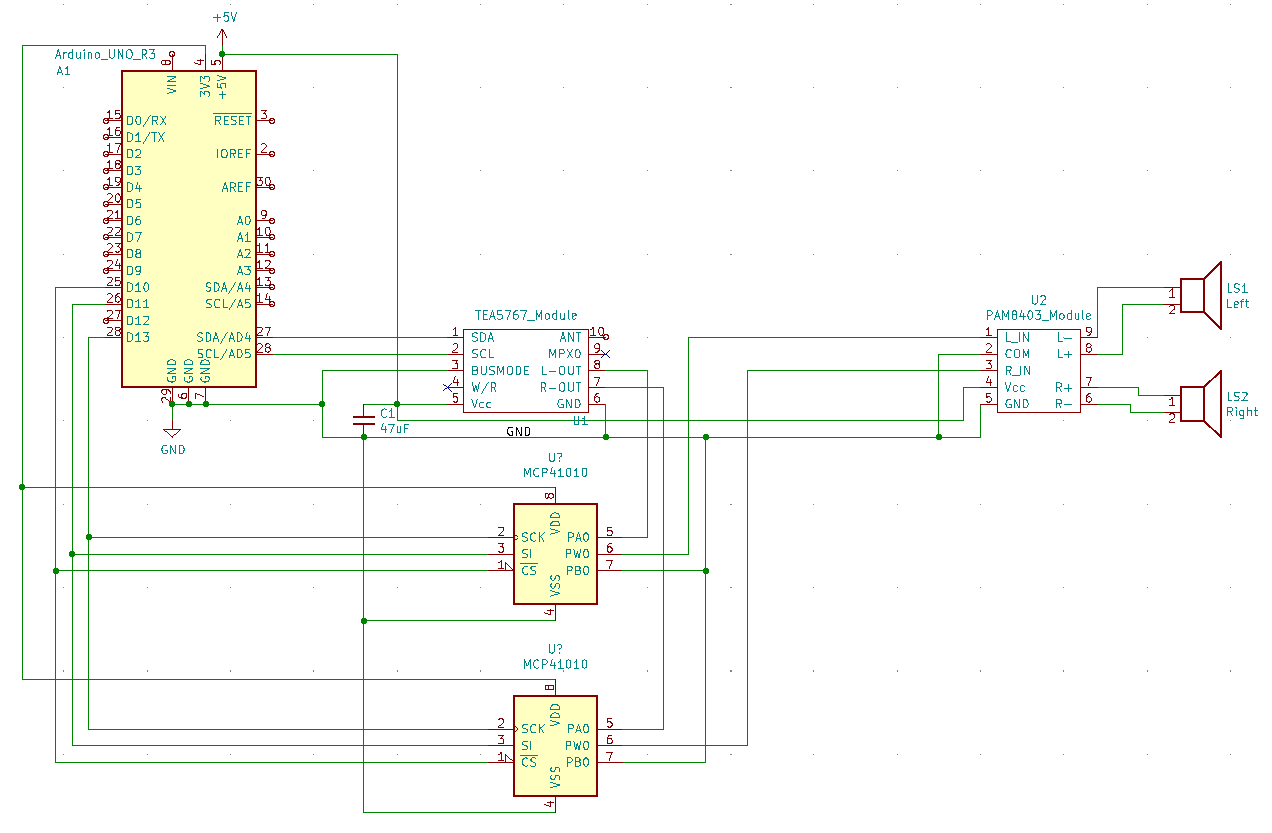
In my setup, I use digital potentiometers so that all of the radio’s parameters can be controlled from the GUI. They can also be replaced with analog potentiometers.
Tip
The hardware is not tied to a single interface. The whole point of the project is to let you experiment with both the circuit and the GUI.
Software
The Arduino code is available in the project repository:
Basically, you need to:
- use the
tea5767library developed for the project - upload
radio.inoto the Arduino - connect the Arduino to the PC
- tell the application which serial port to use
You do not need to recompile the GUI
If you want to use the application as it is, you can simply download the executable and configure the serial port.
Configuration
The basic configuration is essentially just a matter of specifying the serial port used by the Arduino.
Open the config.ini file and change:
This example uses COM8. Replace it with the port assigned to your Arduino.
Check the serial port
If the application cannot communicate with the Arduino, the first thing to check is that serialPortName matches the COM port Windows has assigned to the board.
Skins
One of the most enjoyable aspects of the project is that the graphical interface does not have a fixed appearance.
Because it uses Starkit, users can access both the images and the GUI source code. You can modify the resources in the tea5767_gui-xxx directory and create your own look.
Basic
The project’s original interface.
Green equ
A visual variant based on green tones.
Blue wave
A different-looking interface based on blue tones.
Purple stars
Another visual variant of the same application.
The version numbers do not indicate which one is newer
The names v1.0, v2.0, v2.1, and v2.2 may suggest that each file replaces the previous one, but that is not the case.
They are essentially the same application with different looks and feels. You can simply choose the one you like best.
In future versions, I will use names instead of numbers to avoid this confusion.
Make it your own
The goal is not just to use the radio, but also to be able to study and modify the project.
You can change the images, adapt the GUI, create new skins, or modify the Tcl/Tk code to add your own features.
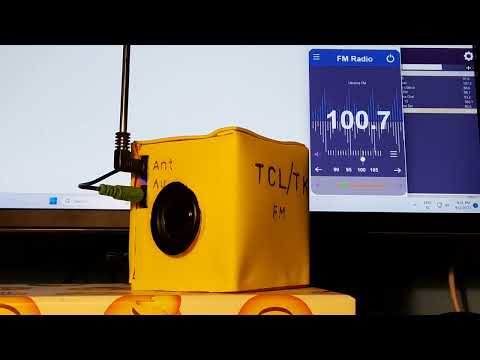
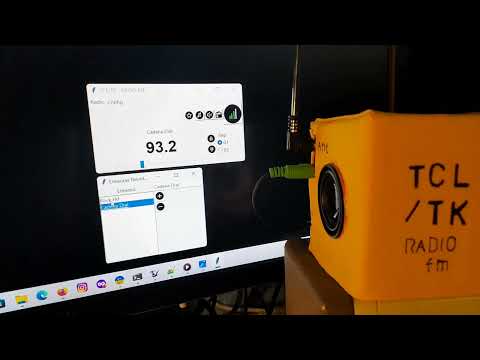
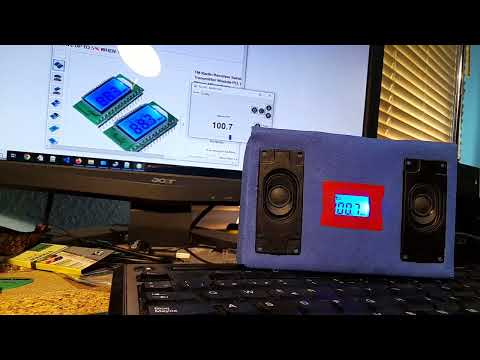
The radio in action
Contact
If you have any suggestions or questions, you can reach me at:
tdso112a at hykrion com